Open a new accounting period
To open a new exercise:
- Open the Loopback page : Configuration menu , Loopback .
- On the Looping page, click the Open exercise button:
- When the action is completed, a green visual indicator is displayed and the Last execution and Executed by columns are filled in:
- Last execution : Displays the date and time of the last execution.
- Executed by : Indicates the name of the user who performed the last operation.
Manage the exercises
On the Loopback page, the Configure button  Clicking "Open exercise" displays the Exercises page. This page allows you to modify or delete the company's exercises:
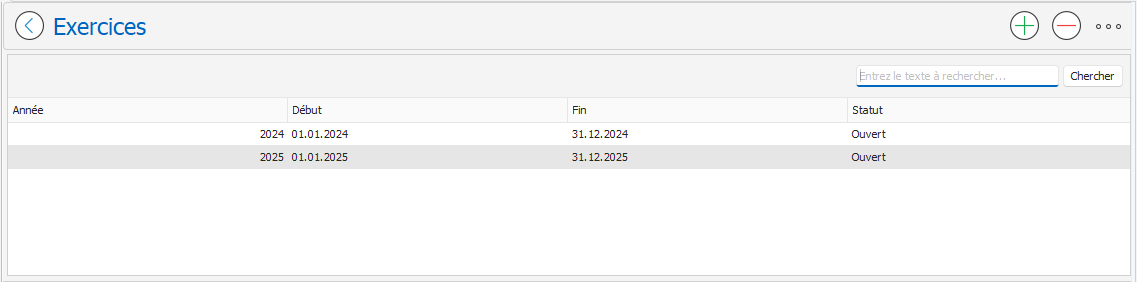
To modify an exercise:
To modify an exercise:
- Double-click on the relevant exercise.
- The exercise page will appear. Modify the desired fields:
- Year : Year of the accounting period.
- Additional information : Adds information after the exercise (optional).
- Start, End : Start and end dates of the accounting period.
- Status: Changes the status of the exercise (Open or Closed)
- Confirm the changes by clicking the OK button
.
To delete an exercise:
- On the Exercises page, select the exercise you want to delete.
- Click the Delete button
located in the top right corner of the page.
- Confirm the deletion of the exercise by clicking the OK button in the message that appears.

The Exercises page can also be accessed from the Settings menu, Exercises .