Order of priority of accounting accounts for the accounting of salaries
Accounting accounts are applied according to a priority order. If an account is not defined at a level, the system automatically moves to the next level.
Bonus salary components (sign +)
These elements correspond to the amounts owed to the employee, such as the monthly salary . They are configured with the + sign in the Sign field of the salary element.
Example: Salary component Monthly salary :
- Customized account for the salary element in the salary calculation details:
 If an account is defined in the employee's salary element, it is automatically included in the salary calculation.
 - Account defined in the Salary Element :
- Employee Accounting Group Account:
- Global account defined in the Payroll Accounting Options :
Deduction salary elements (sign –)
These elements correspond to deductions such as social security contributions. They are configured with the minus sign (-) in the Sign field of the salary element.
Example: Salary component AVS contribution :
- Personalized account with detailed salary calculation information:If an account is defined in the employee's salary element, it is automatically included in the salary calculation.
- Account defined in the Salary Element :

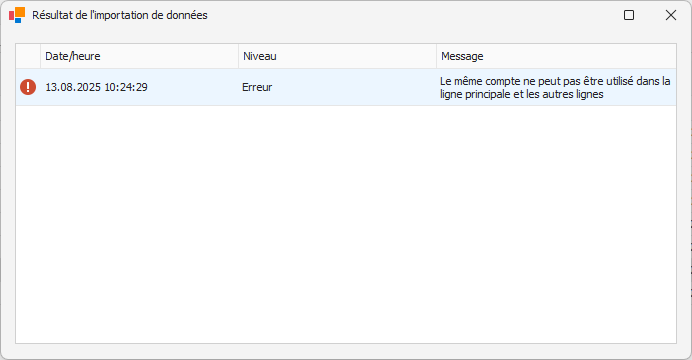
The Employee Contribution Accounting field must contain an account for the deducted salary elements (indicated by a minus sign). If no account is provided, an error message will be displayed during the accounting process.