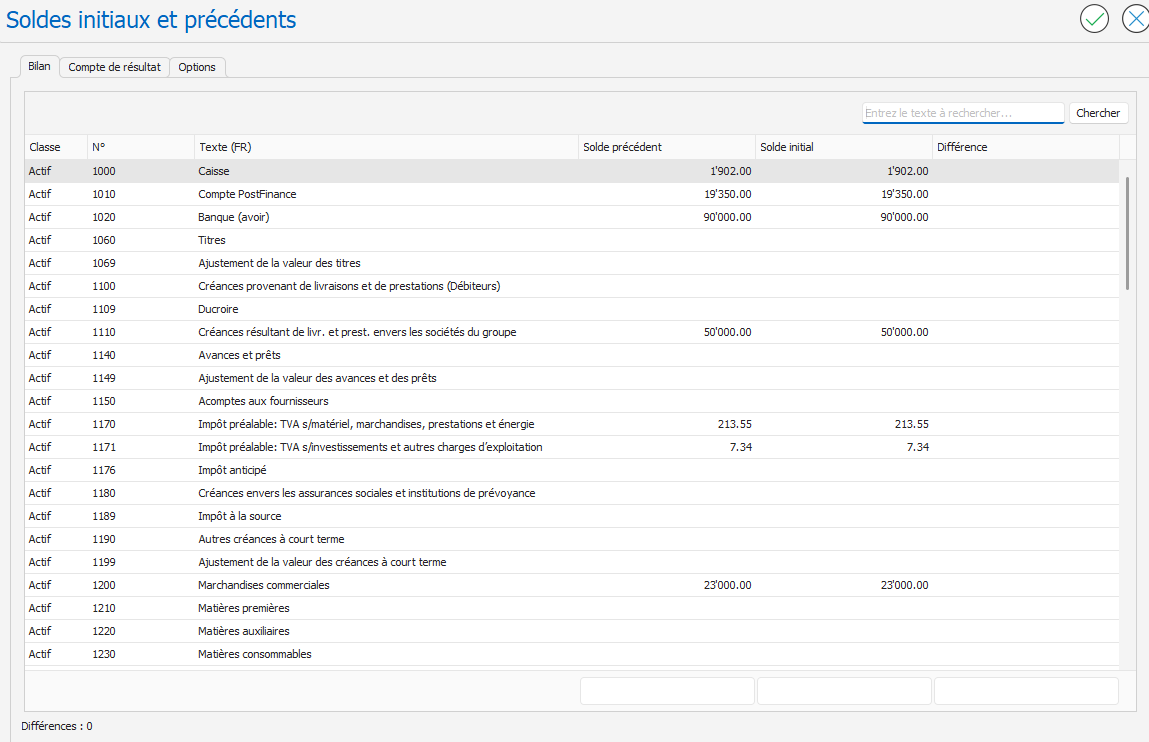
Update the initial balances
To update initial balances in the new fiscal year (in the following fiscal year):
- Open the Loopback page: Configuration menu, Loopback .
- Click the Update Initial Balances button:
- When the action is performed, a green indicator is displayed and the Last Execution and Executed By columns are automatically updated.
- Last execution: Displays the date and time of the last execution.
- Executed by: Indicates the name of the user who performed the last operation.
- The initial balances have been updated in the new financial year:

On the Loopback page, the Configure button  The "Update opening balances" action opens the Opening Balances page for the following fiscal year: