Employee Salary Elements Tab
The Salary Elements tab is used to add payroll items, such as base salary, bonuses, social security contributions, or withholding tax. For each change, add an entry with the effective date of the new data.
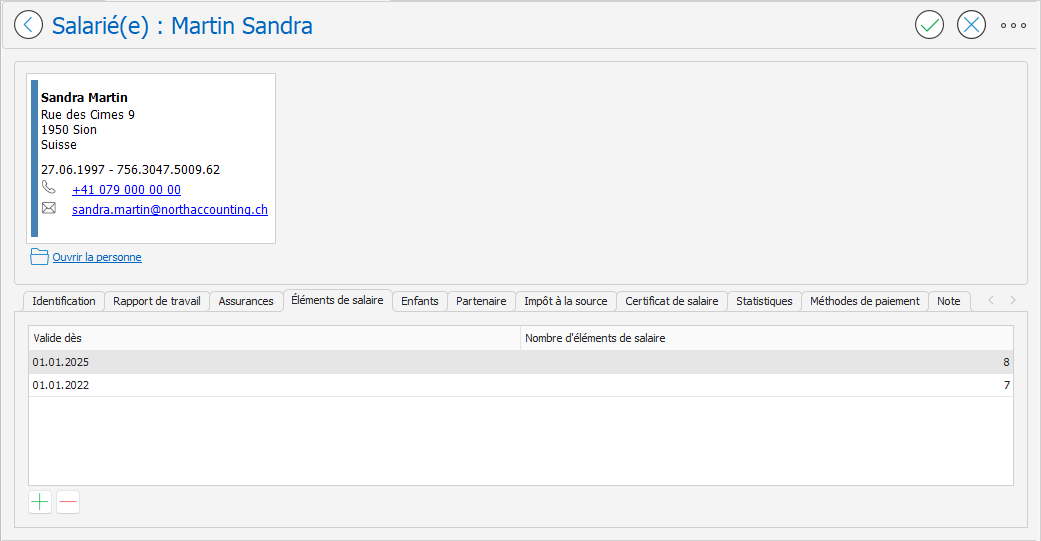
To complete the information in the Salary Elements tab:
- On the Employee page , open the Salary Elements tab , then:
- Click the New button
at the bottom left of the tab to create a new salary element configuration; or
- Double-click on the line of salary elements to be modified.
- The Salary Elements Configuration page appears. You have two options: